 Checkame
Turn travel and ticket booking screenshots into dates and deadlines you won't miss.
Checkame reads dates, times and booking numbers from screenshots of flights, hotels and tickets, and adds them to Calendar and Reminders after you confirm. When bookings from the same trip don't line up, it simply asks you to check.
iPhone (iOS 17 or later) · Android · Free, no ads
The iPhone version is currently in App Store review
What it does
Took a screenshot of a booking and forgot about it?
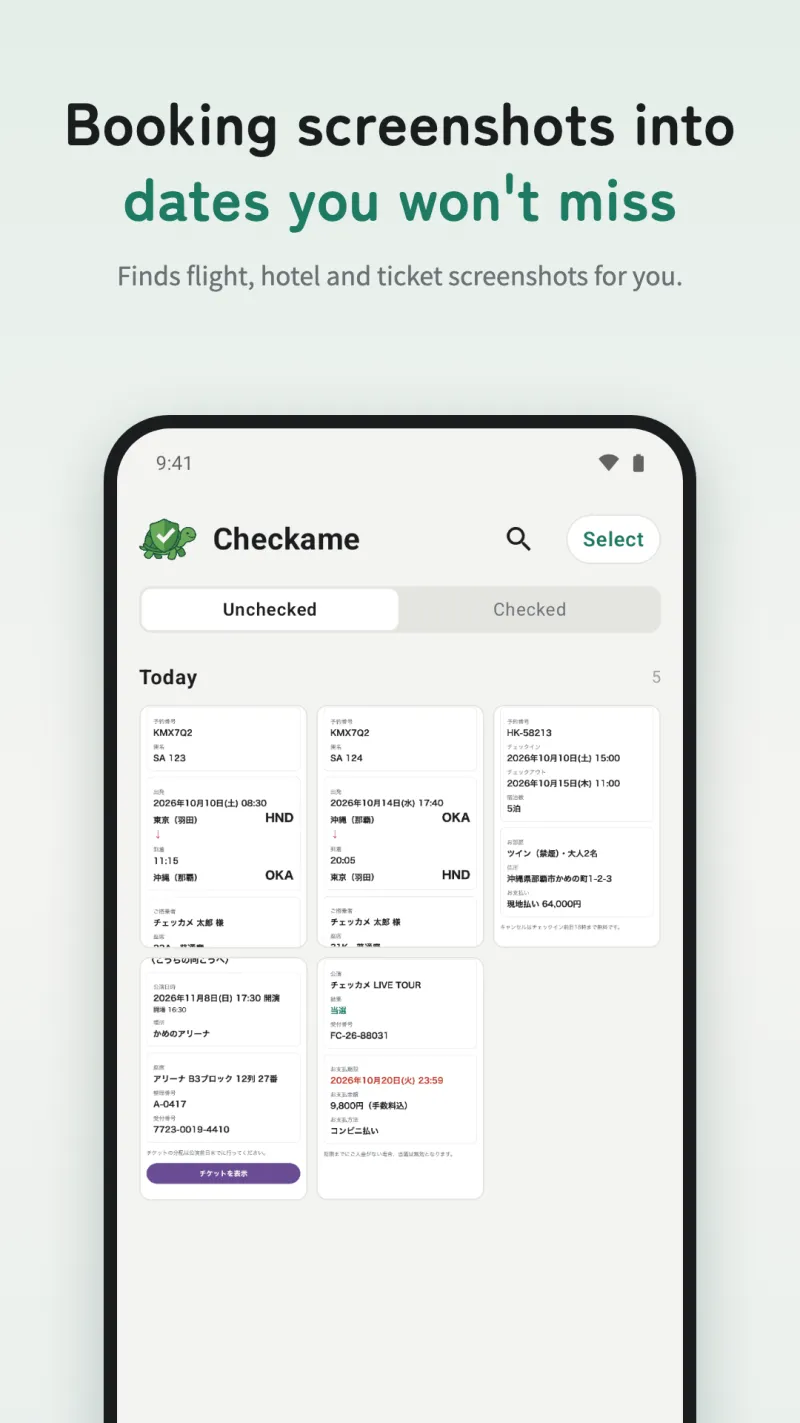
Finds screenshots for you
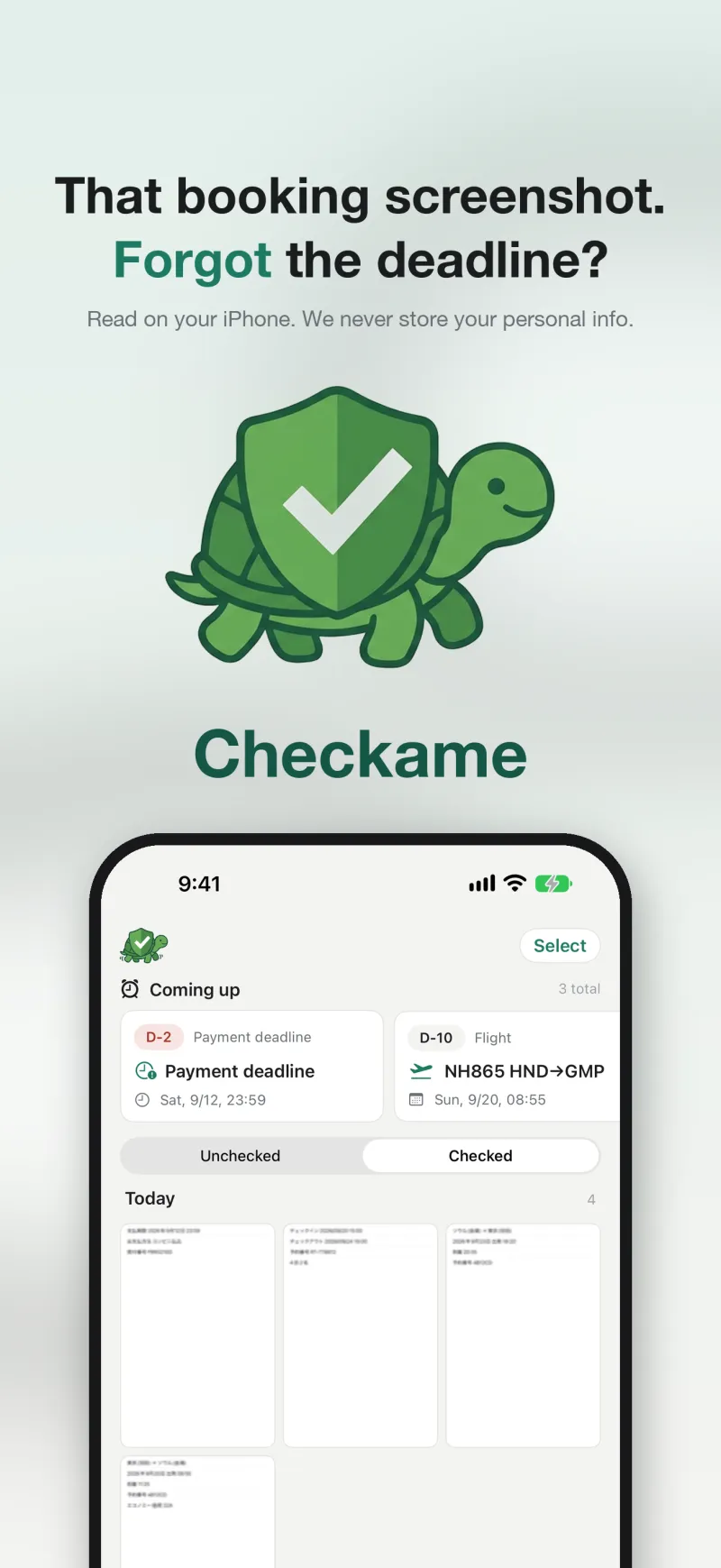
Flight, hotel, train, event-ticket and payment-deadline screenshots are picked out of your photos automatically.
Calendar only after you confirm
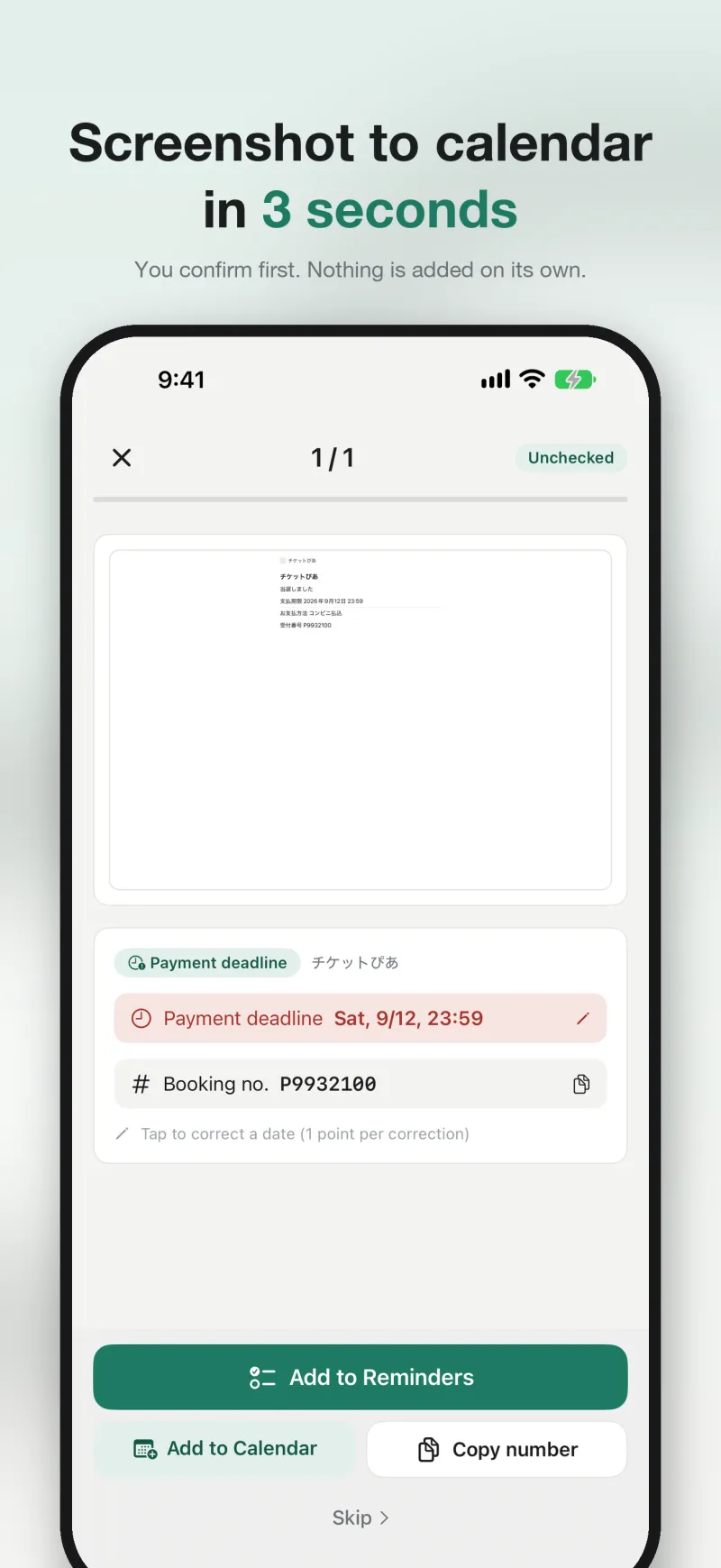
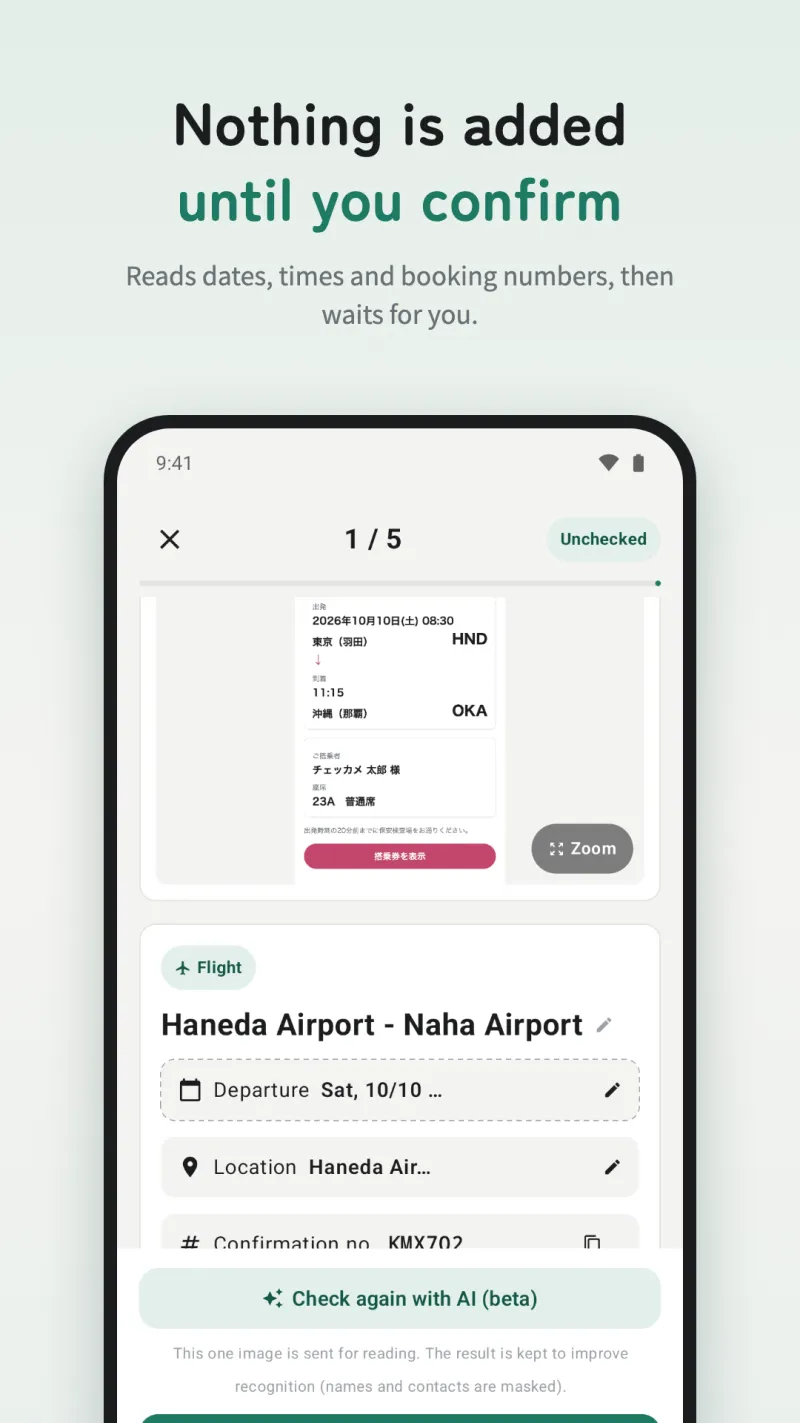
It reads the date and time and adds the event only after you confirm. Nothing is added on its own, and it checks whether the same event already exists.
Deadlines with a nudge
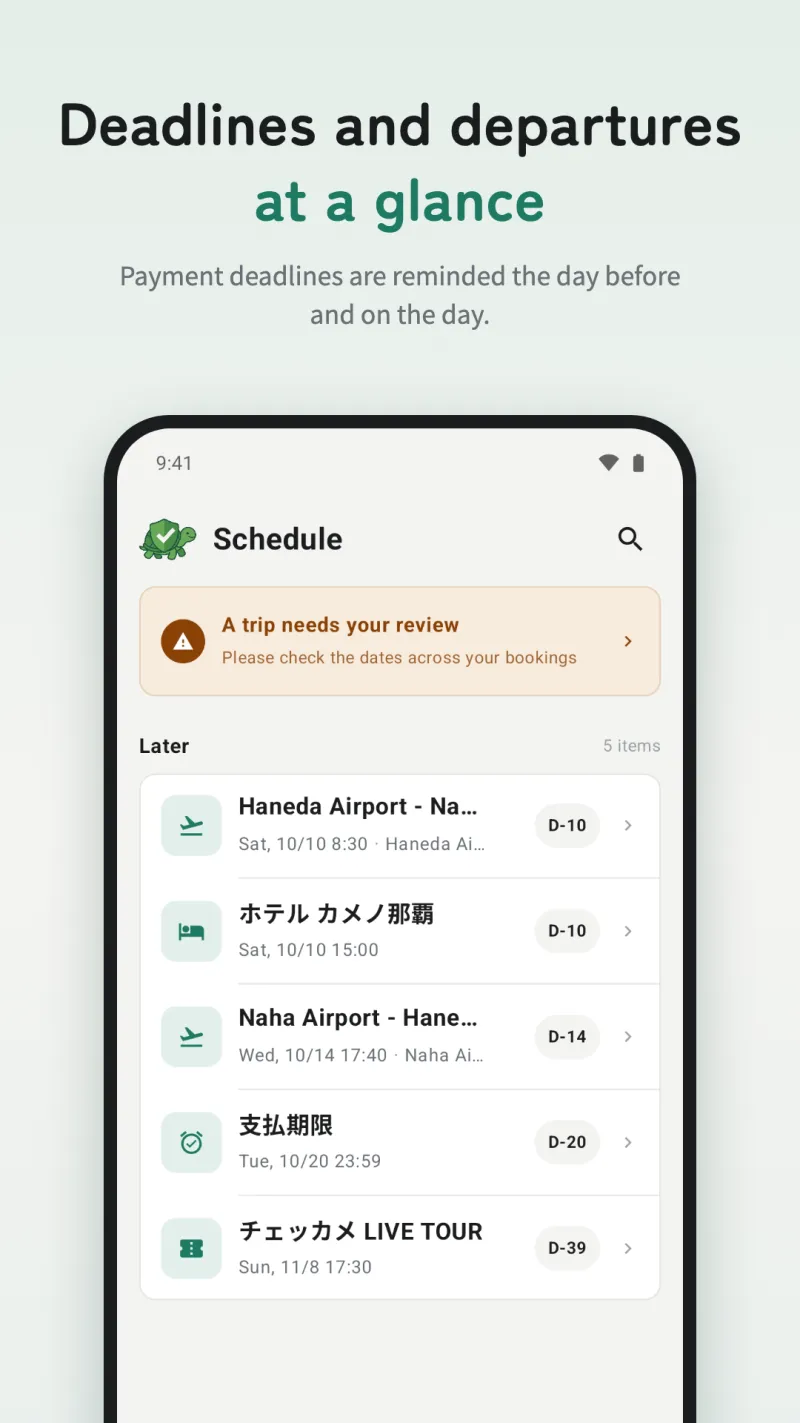
Payment deadlines go to Reminders (all-day events on Android), with a nudge the day before and on the day. You can also save them to Google Tasks (optional).
One-tap copy for booking numbers
Booking numbers, flight numbers, room types and more can be copied straight from the card.
One trip for all your bookings
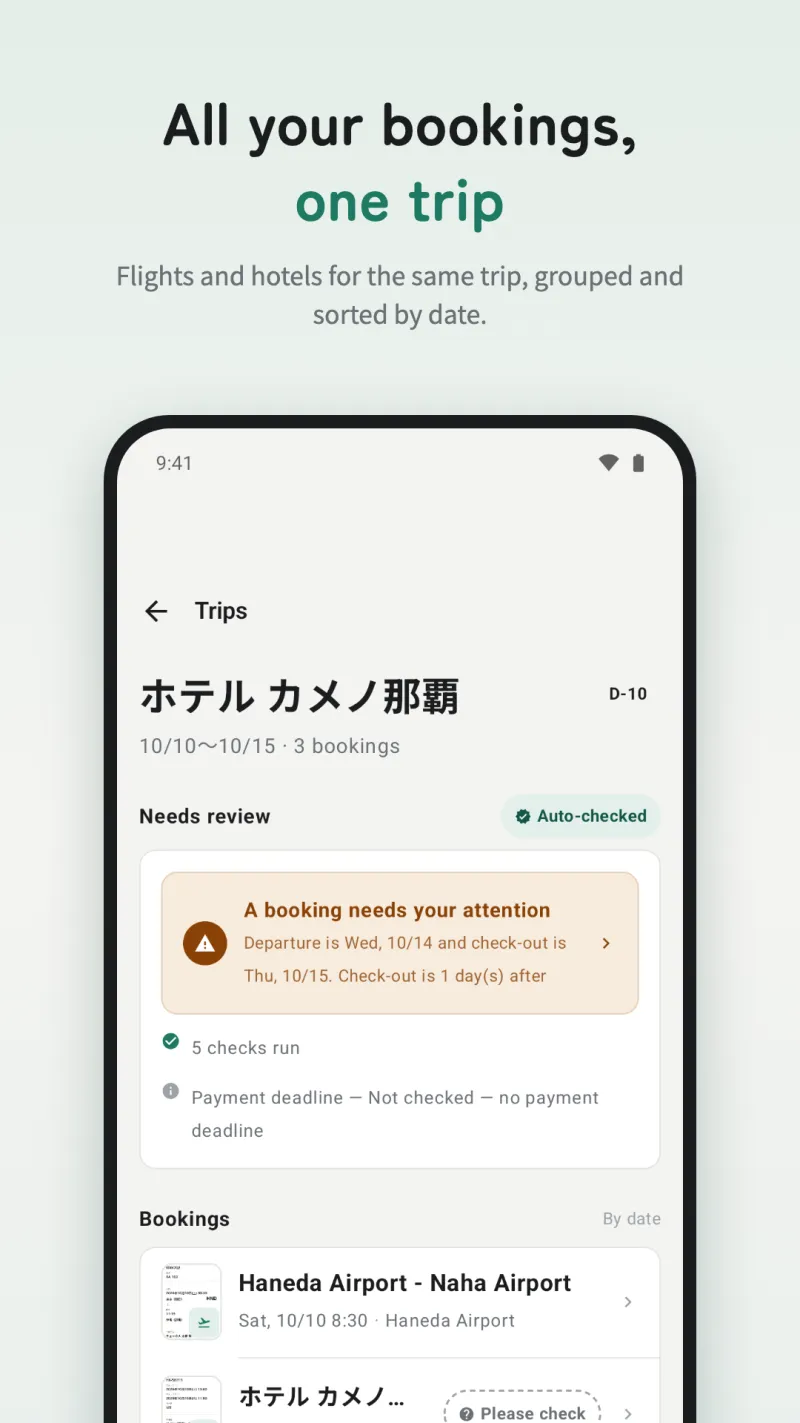
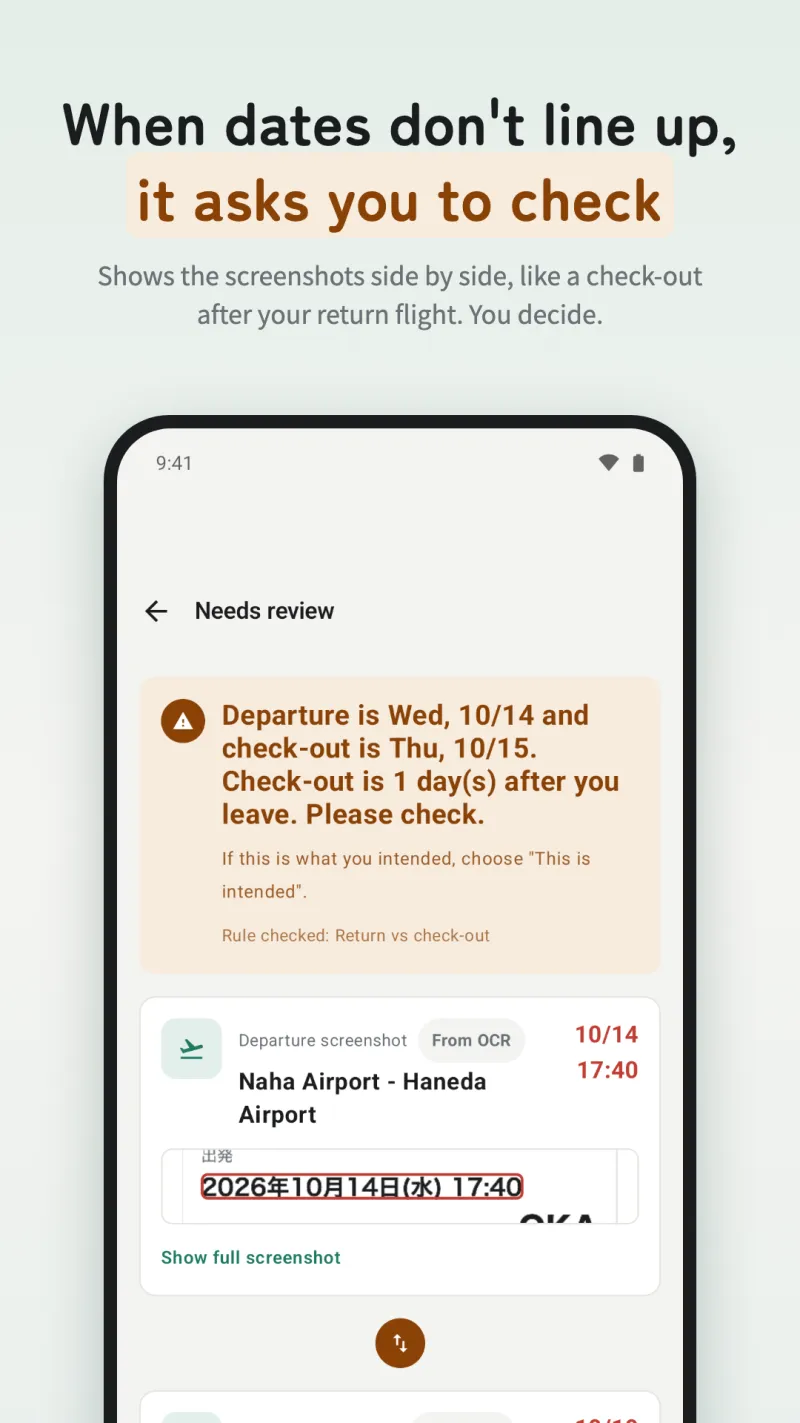
Flights, hotels and trains from the same trip are grouped automatically, and things that don't line up are pointed out: check-out after your return flight, check-in before you arrive, airports that don't connect, and more.
Works from the share sheet
Choose "Checkame" from Share in any app to read its screenshot. It works even without photo access.
Check again with AI (beta, free)
When a reading looks uncertain, you can have that one image read again by AI. Automatic checking when a card opens can be turned off in Settings.
Easy device changes
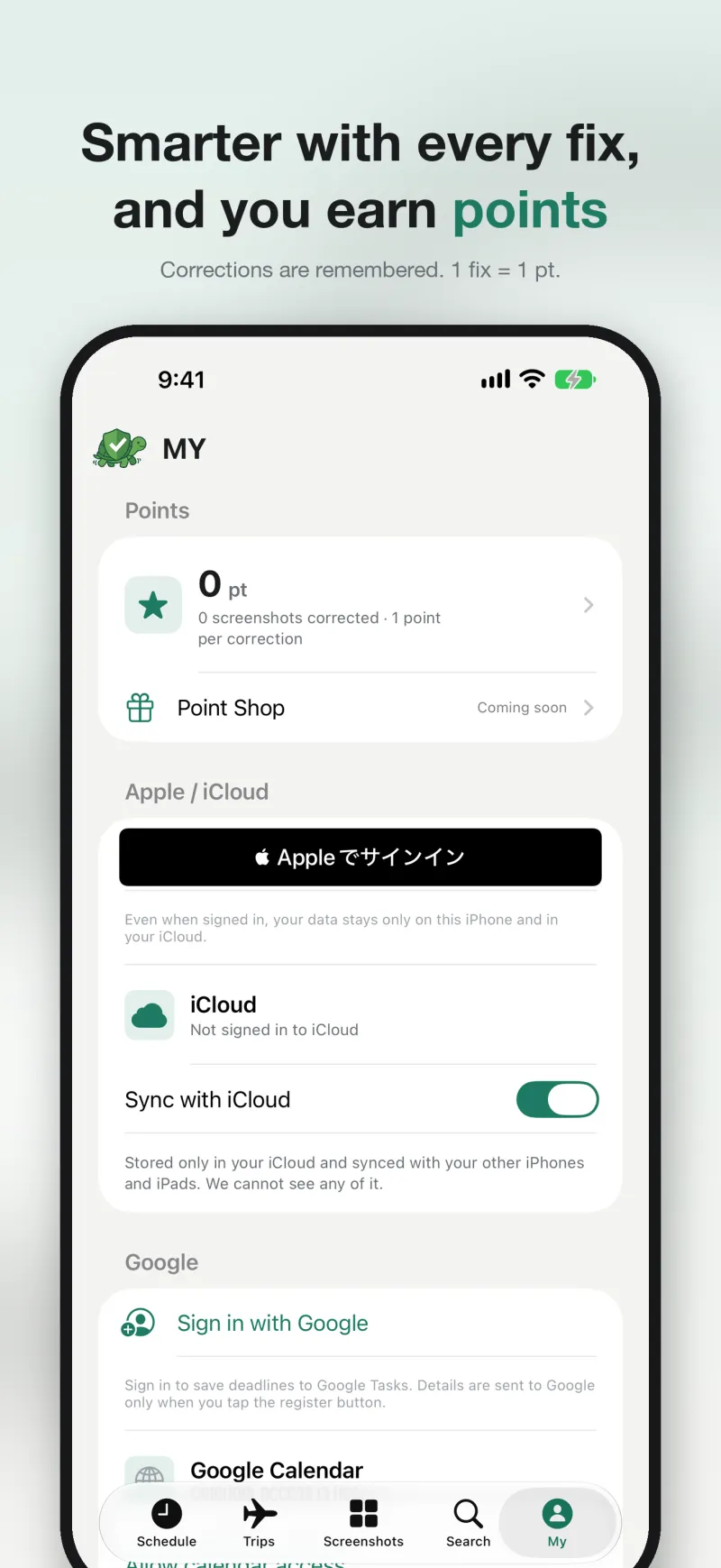
Move events, numbers and memos with a Backup / Restore file. The same file works between the iPhone and Android versions.
It never says "wrong"
Checkame doesn't judge. It just points at what looks off and asks you to check. When it isn't confident, it stays quiet rather than guess.
See the screens
App Store screenshots (iPhone)
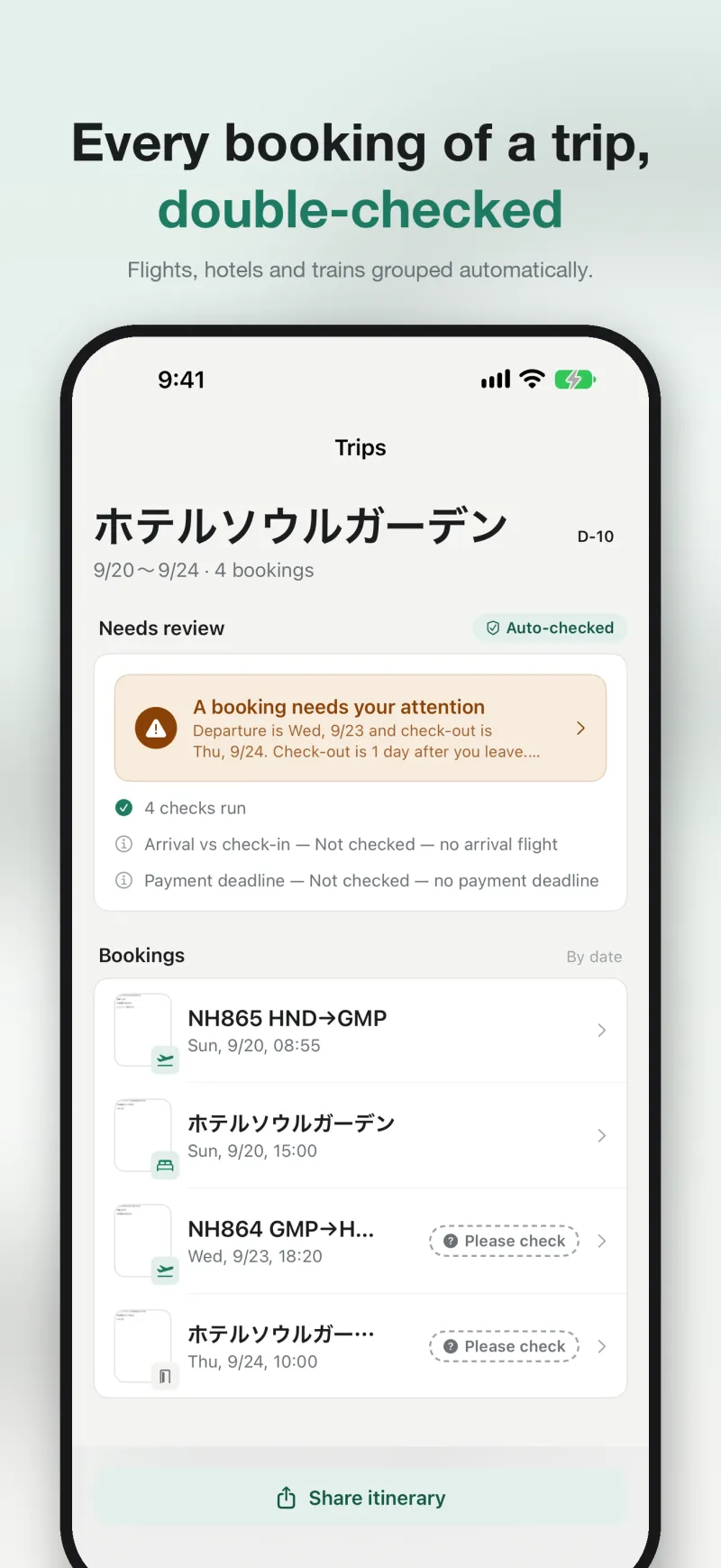
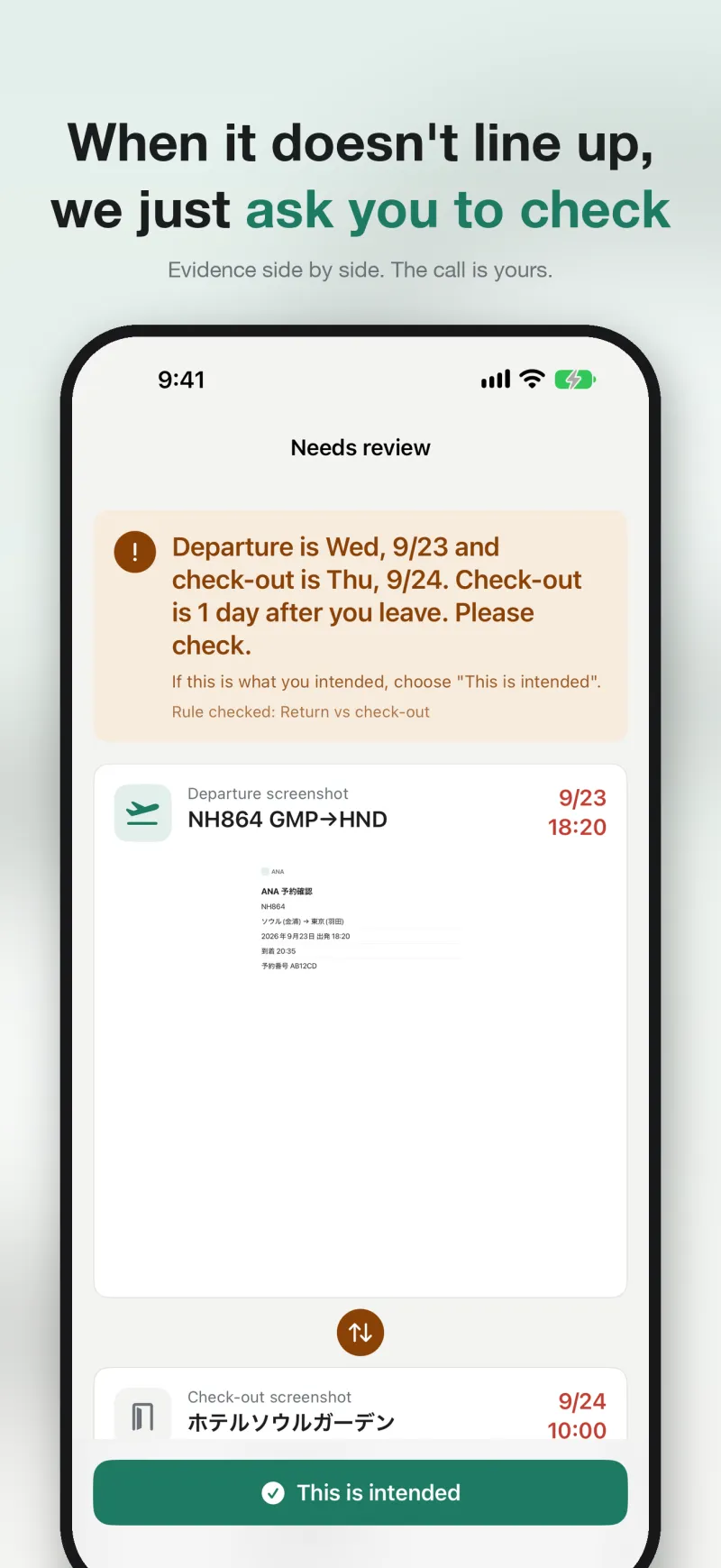
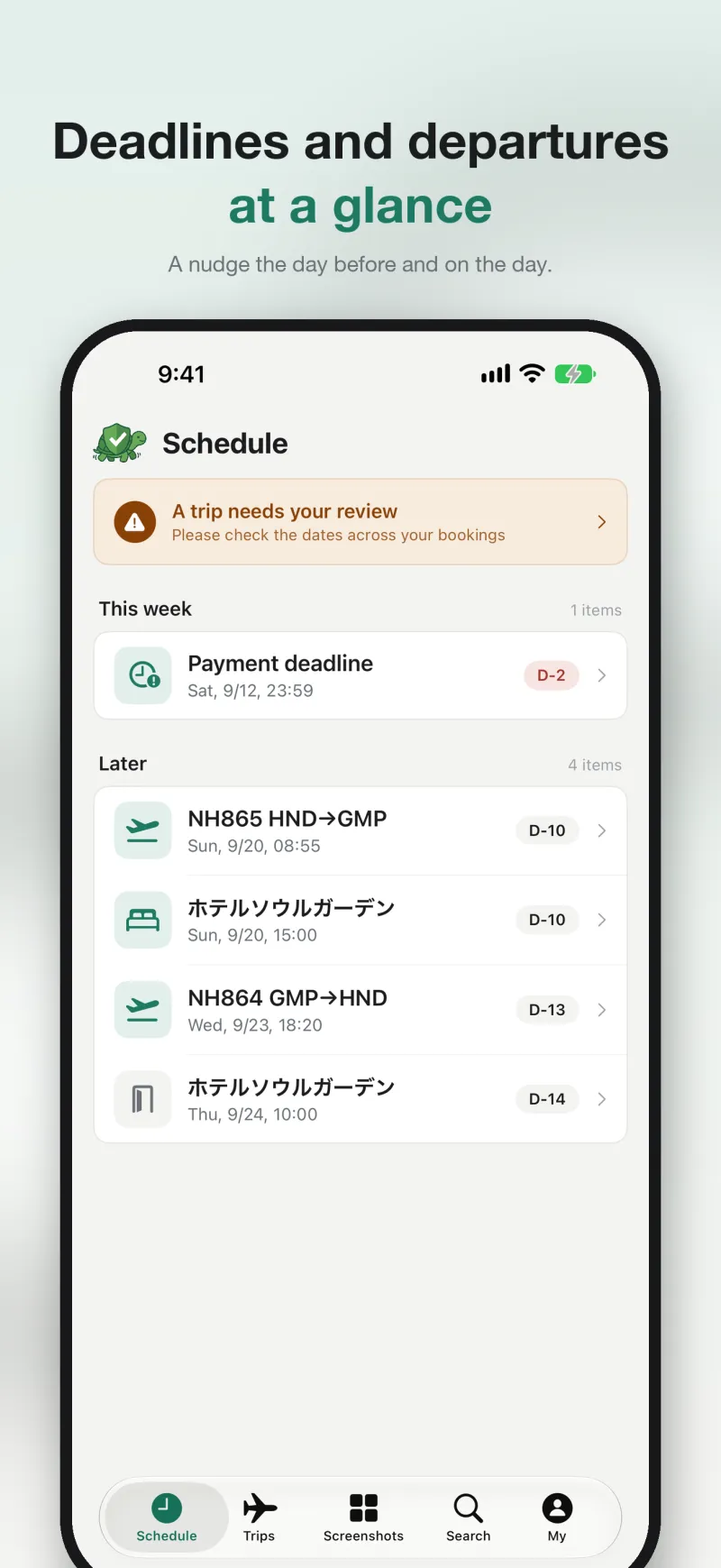
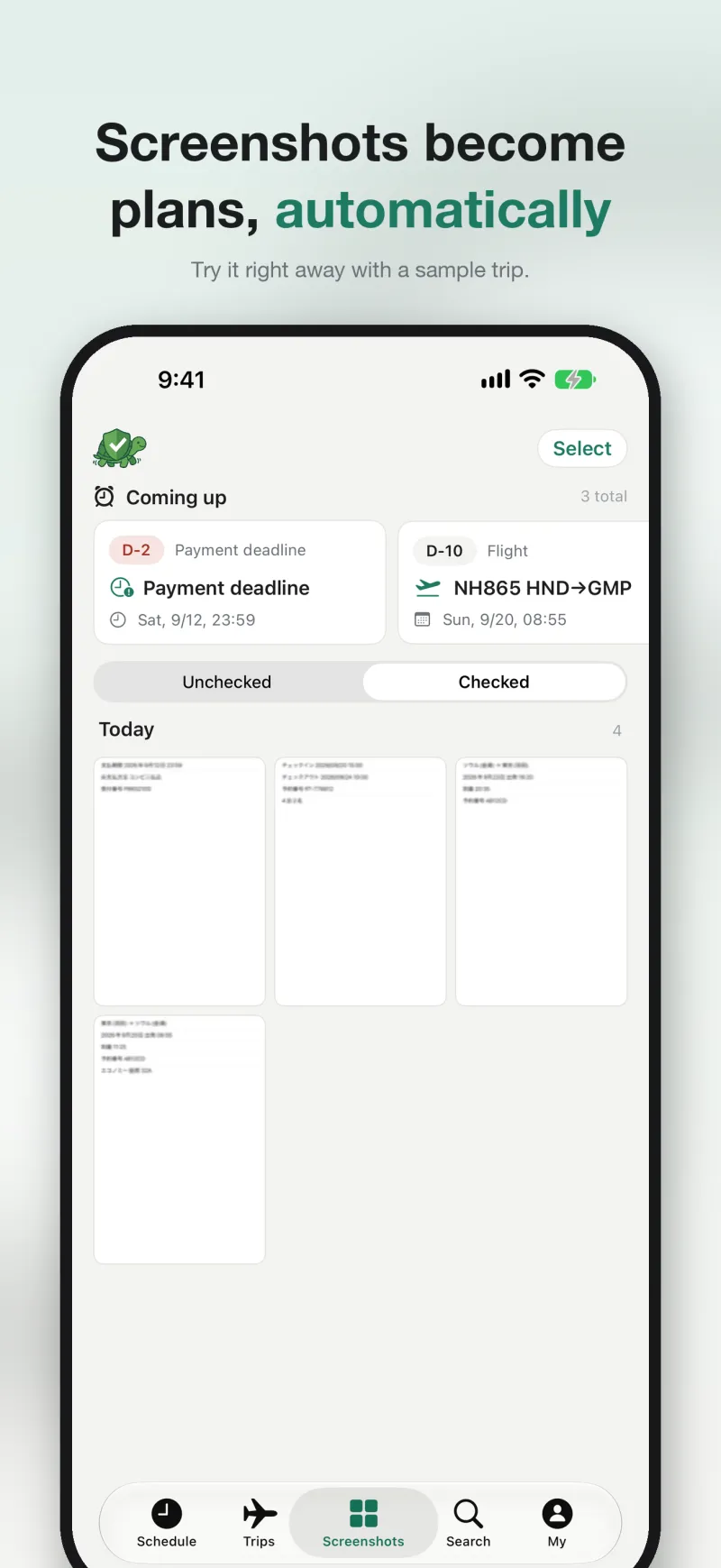
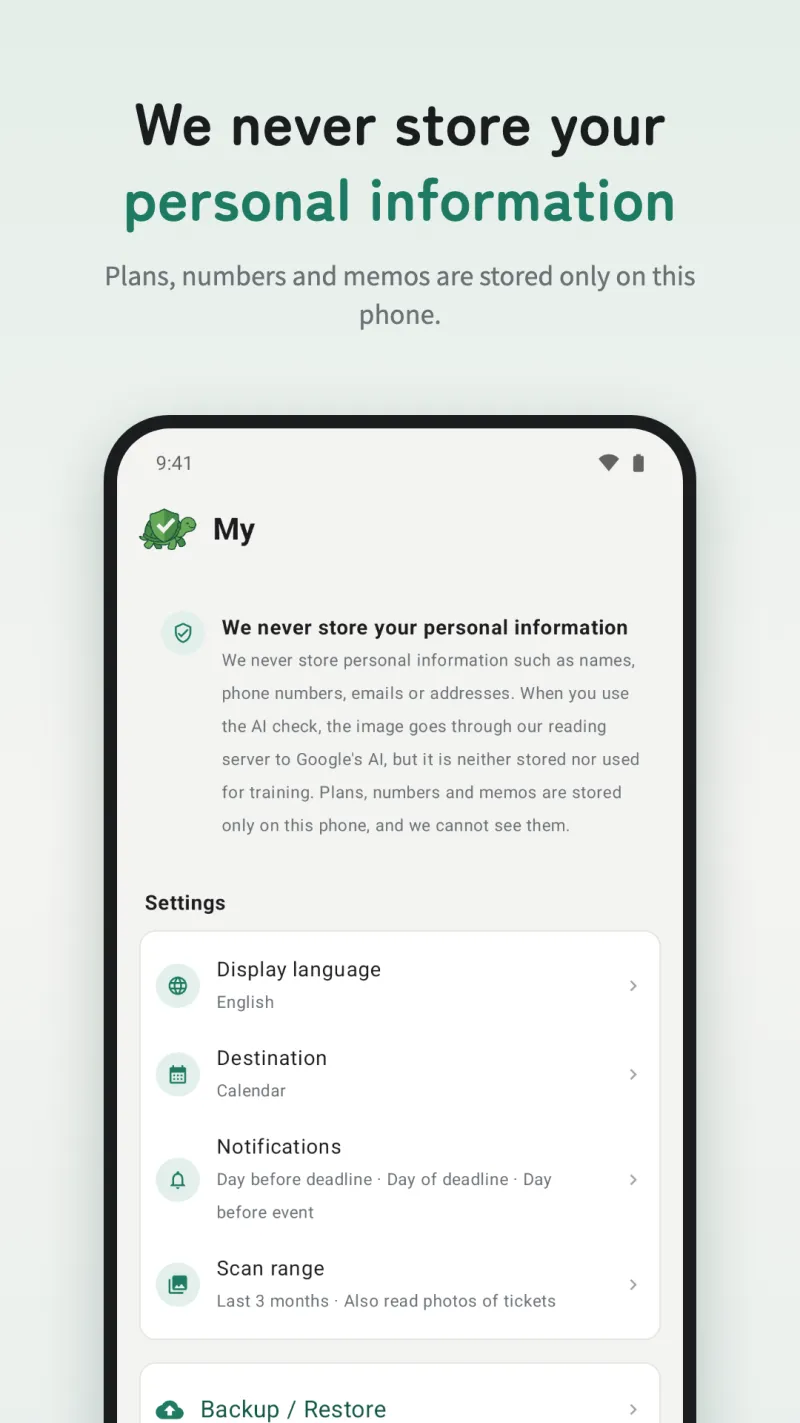
Google Play screenshots (Android)
App screens (iPhone)
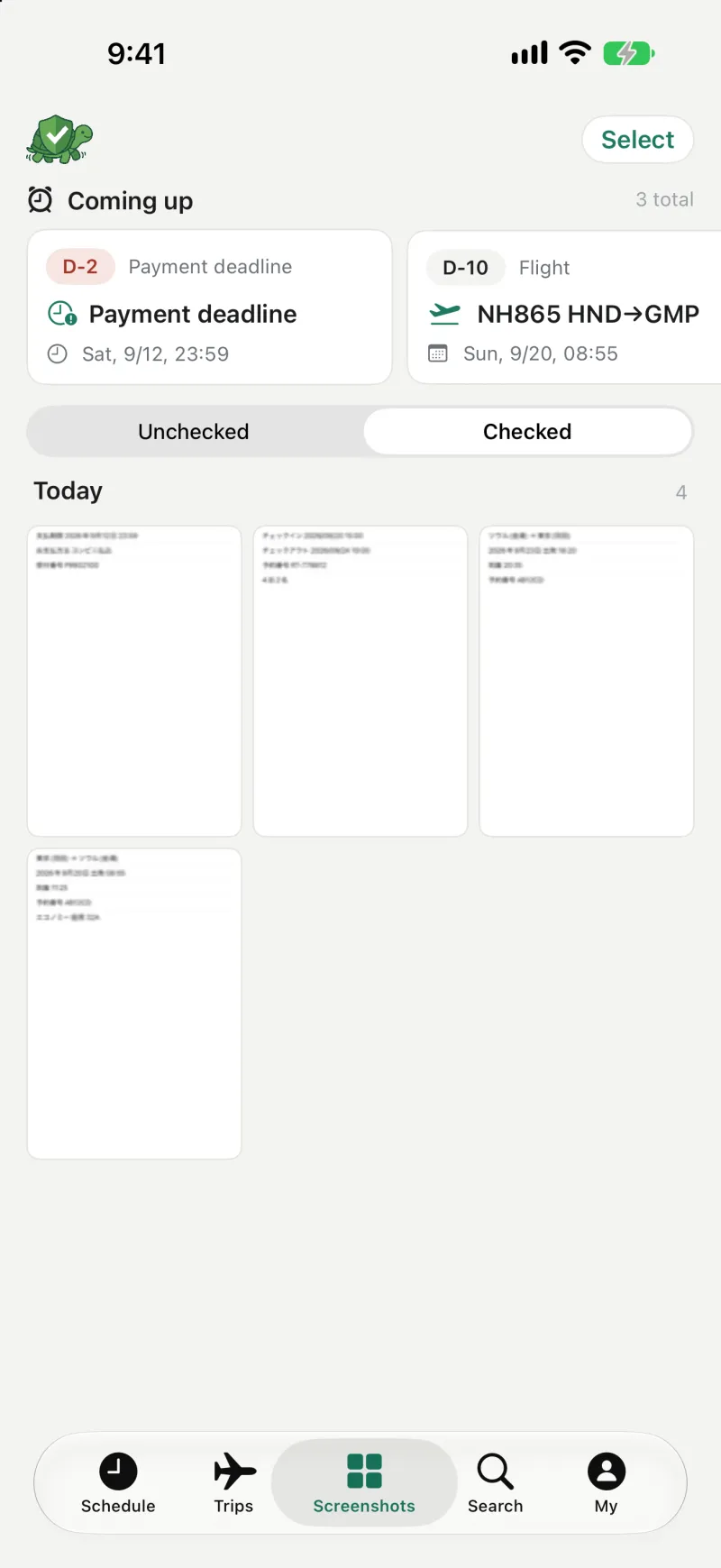
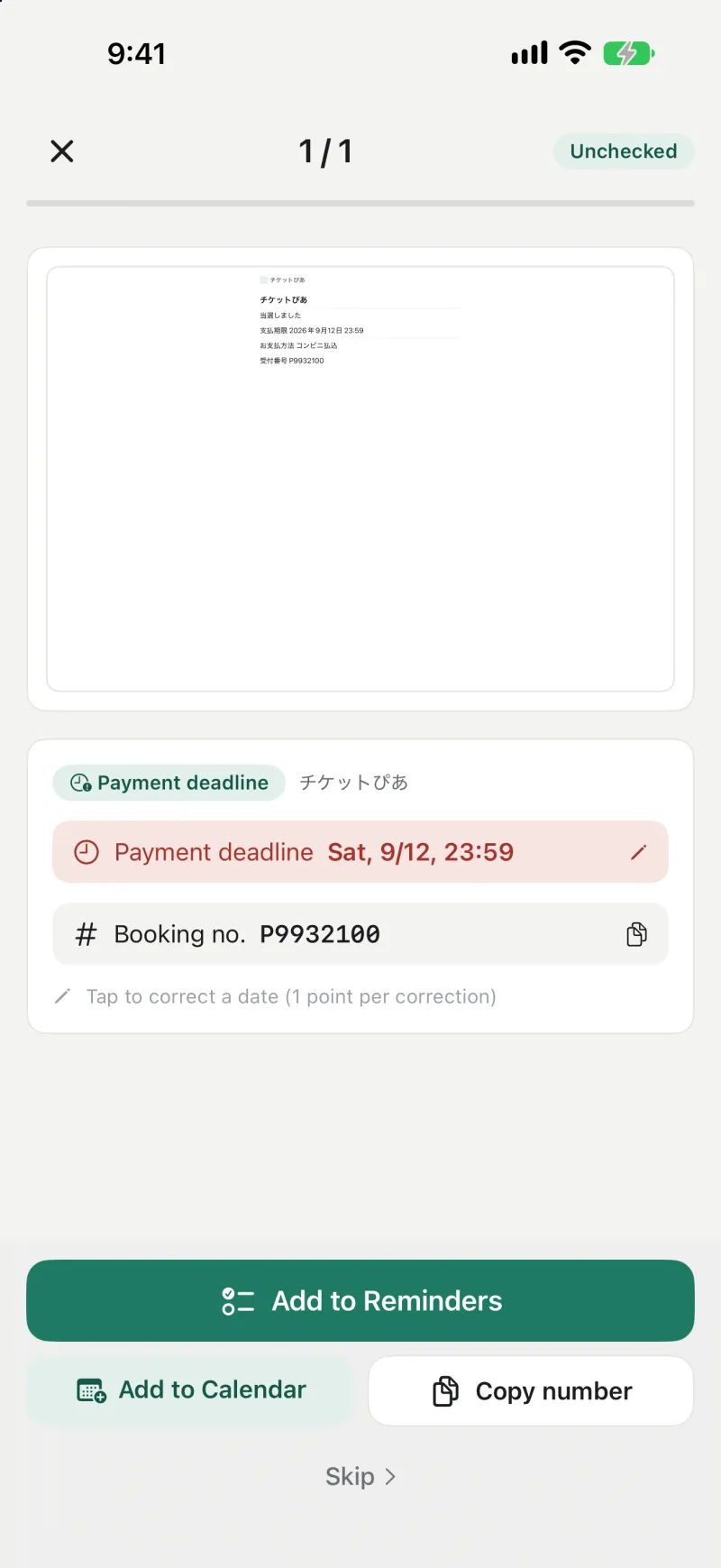
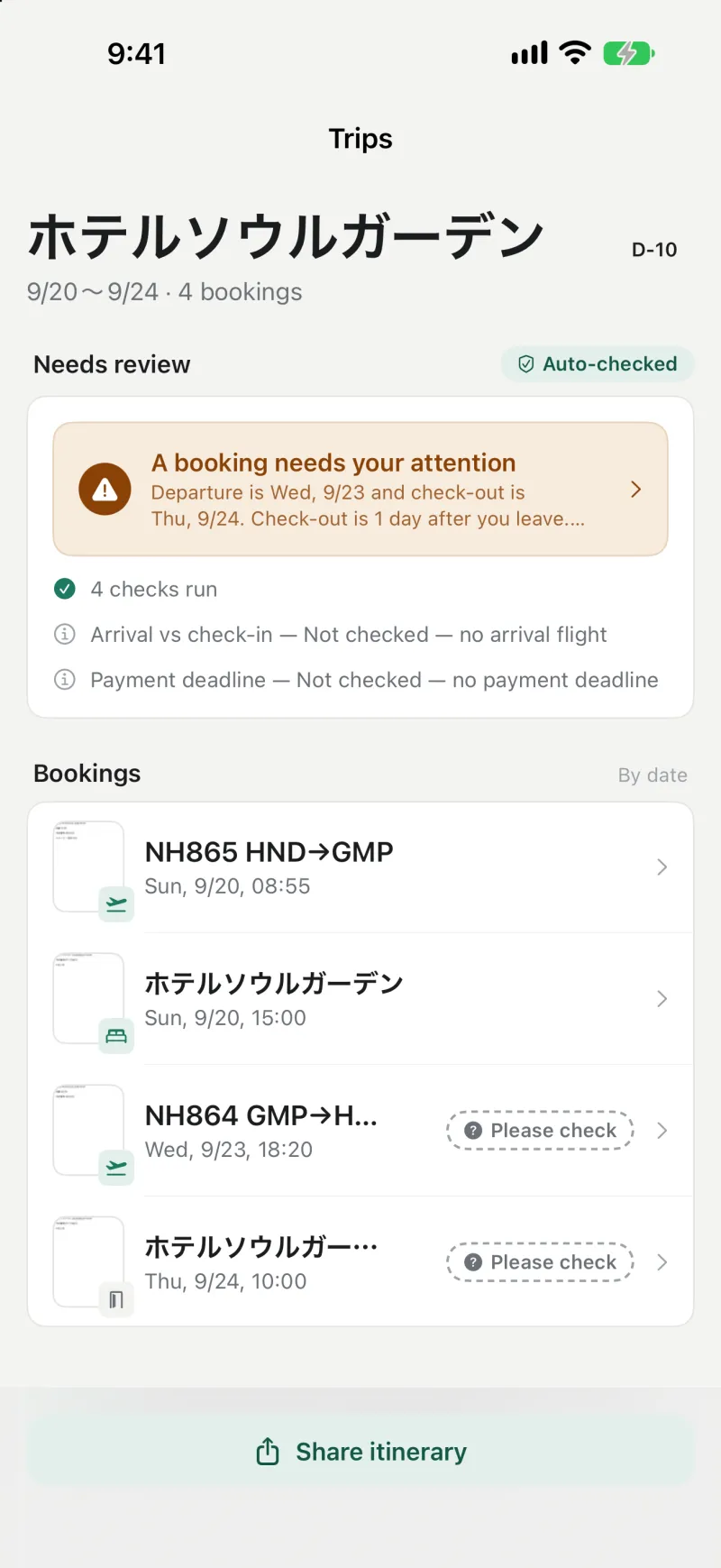
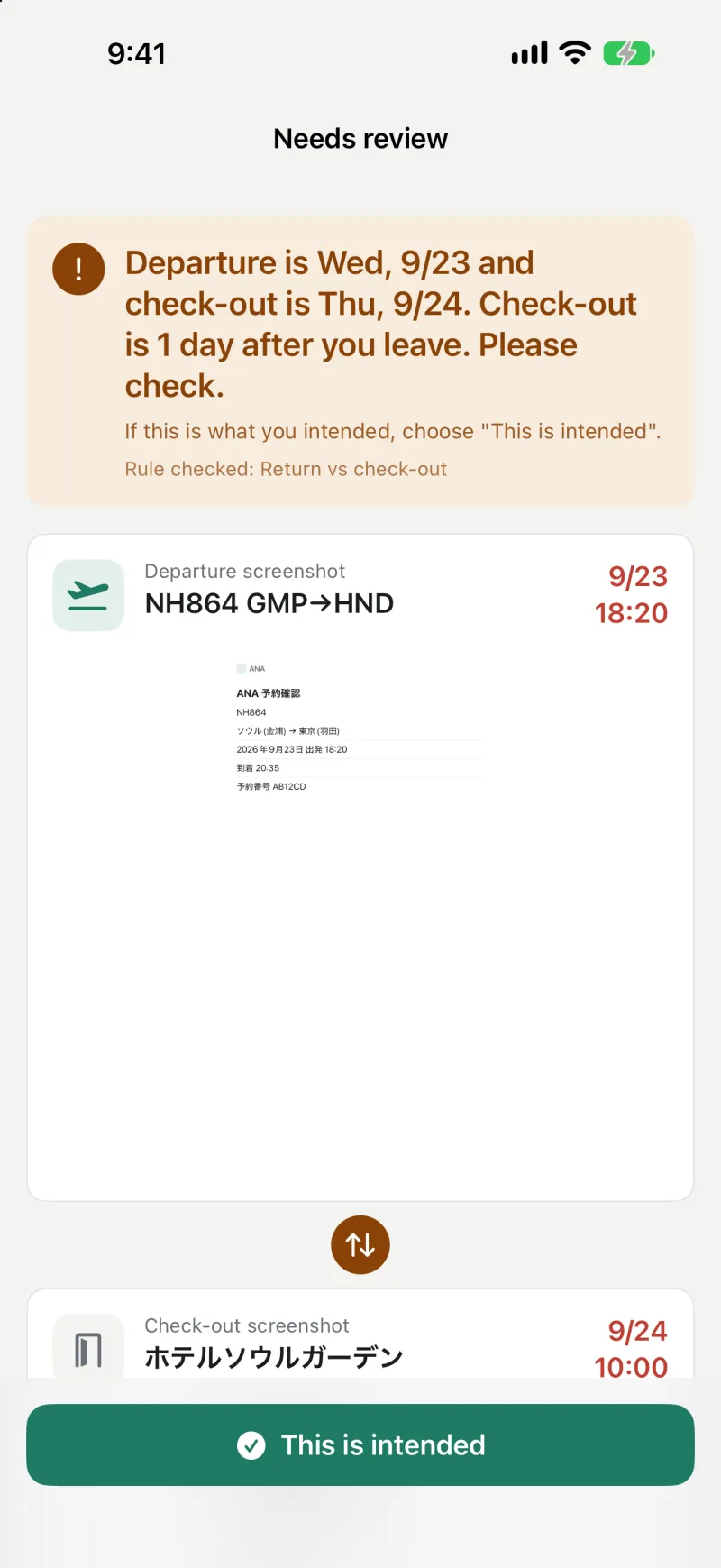
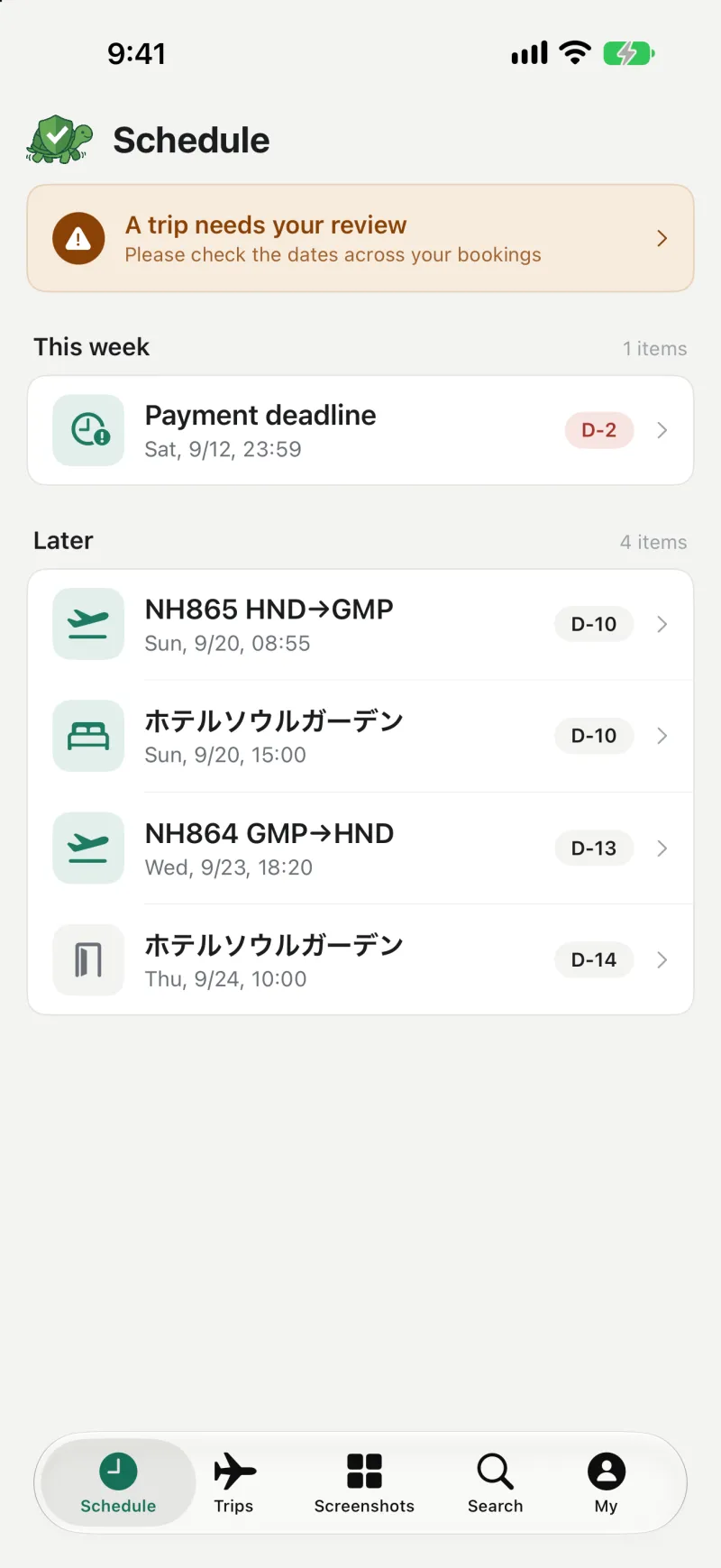
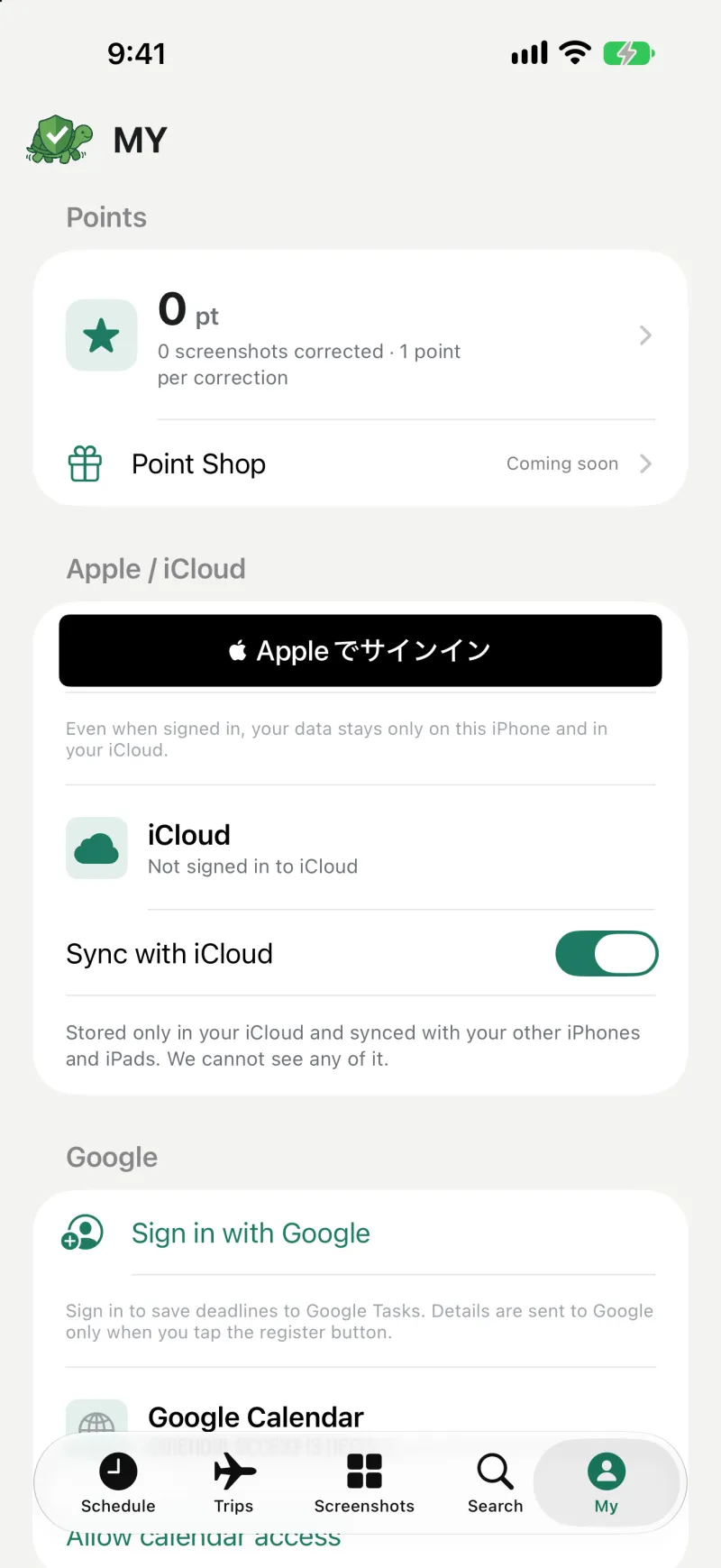
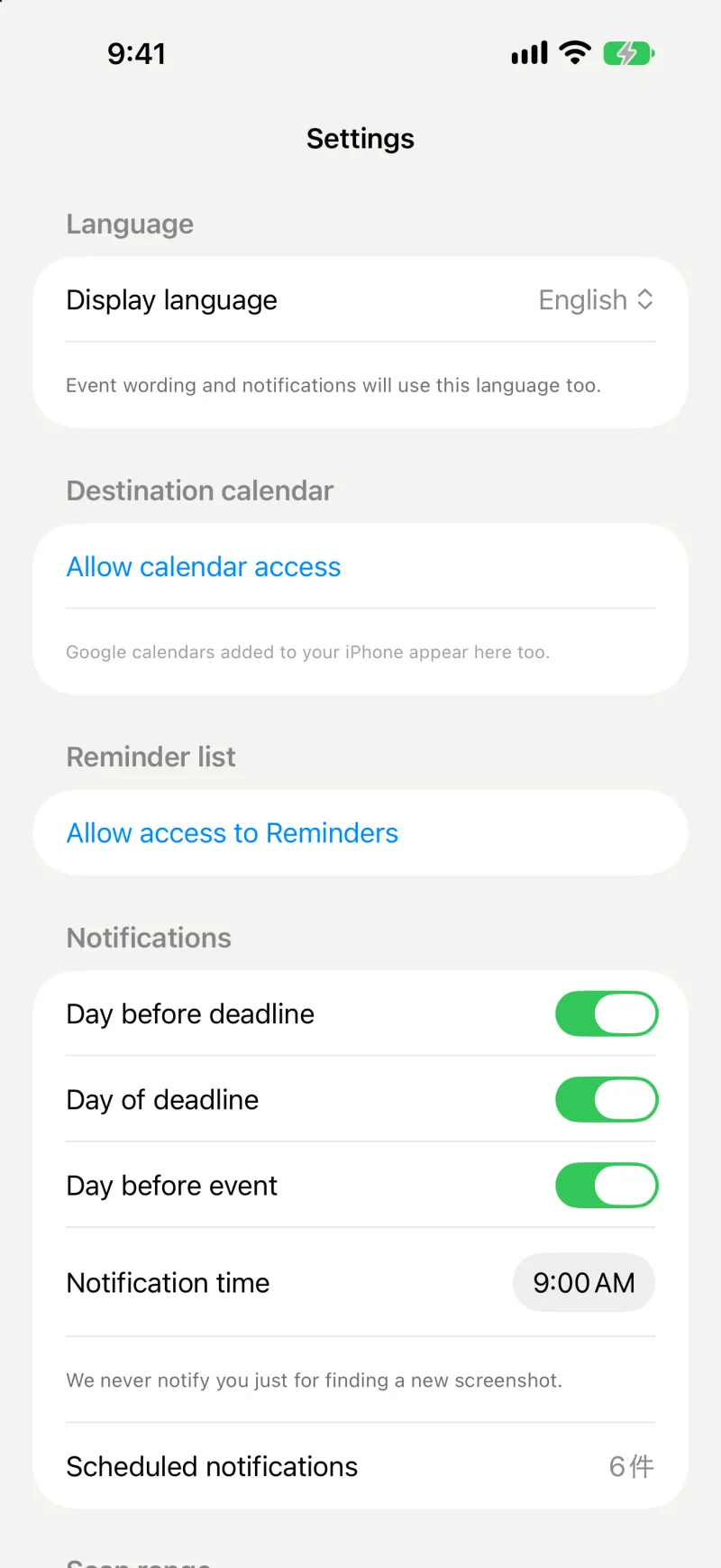
All bookings shown are samples. Accuracy depends on screenshot quality and layout. Please check before registering.
We never store your personal information.
On your device
Reading screenshots and cross-checking bookings normally happen on your iPhone or Android phone. Events, numbers and memos are stored only on your device and, on iPhone, in your own iCloud (sync can be turned off). We can't see them.
When AI checks (beta, free)
When a check card opens (if "Double-check with AI automatically" is on) or when you tap "Check again with AI", that one image goes through our reading server to Google's AI. The image is not used to train AI, and we do not store it. You can turn this off in Settings.
What we keep to improve reading
To improve reading, we keep only screenshots with names, phone numbers and emails hidden as far as possible, plus the reading results (including AI results) and your corrections. They are not linked to your account or name, only to a random per-install number, and are never sold. Turn this off under "Help improve reading" in Settings.
No analytics SDKs, no ads. Saving to Google Tasks happens only if you turn it on in MY. See the Privacy Policy for details.
Languages
日本語 · 한국어 · English — switchable inside the app. Made for travel between Japan and Korea: it reads Japanese and Korean booking screens as they are.
Release notes
1.0.1
October 22, 2026 (in review)- When a Google account enrolled in the Advanced Protection Program can't sign in to Google Tasks, the app now explains why and what to do instead
- Improved screen display on newer Android versions
1.0.0
October 22, 2026- First release (Android version published on Google Play)
- Automatic screenshot detection, calendar registration after you confirm, payment-deadline reminders, trip double-checks, reading from the share sheet, Check again with AI (beta, free), Backup / Restore
The iPhone version is in App Store review. We'll update this page as soon as it's available.
FAQ
Is it free?
Yes. Every feature is currently free, with no ads. The AI check is offered free as a beta.
Will it add things to my calendar on its own?
No. It writes only after you review the result and tap the button, and it checks whether the same event already exists.
Does it look at all my photos?
It reads only screenshots and photos of tickets and similar documents. Without photo access, you can still use it from the share sheet ("Checkame").
iPhone or Android?
The Android version is available on Google Play. The iPhone version (iOS 17 or later) is in App Store review and coming soon.
What if a reading is off?
Fix the date or time on the check card before registering. Your corrections are used for the next reading. If you notice something, please tell us via Support.
Try it on your own screenshots.